
Notifications
Clear all

Topic starter
February 5, 2020 5:16 pm
Hi, I wonder if you could implement a feature which the user could select any patch they want from the Browse Menu and then assign it to each slot.
For example,
[Slot A] is assigned to Patch 1 , [Slot B] is assigned to Patch 2, [Slot C] currently an Initial Patch, [Slot n] is doing something
//Comparision Feature
I wanted to make a new patch for [Slot C] so I used [Slot A] Patch 1 as an inspiration (Parameters, Sound, Instruments, Effects). I then switch constantly between [Slot C] and [Slot A] to figure out what new sounds I wanted to make. At the end of the day, tada you have a new patch.
Reference (MeldaProduction has this feature in their two VST):
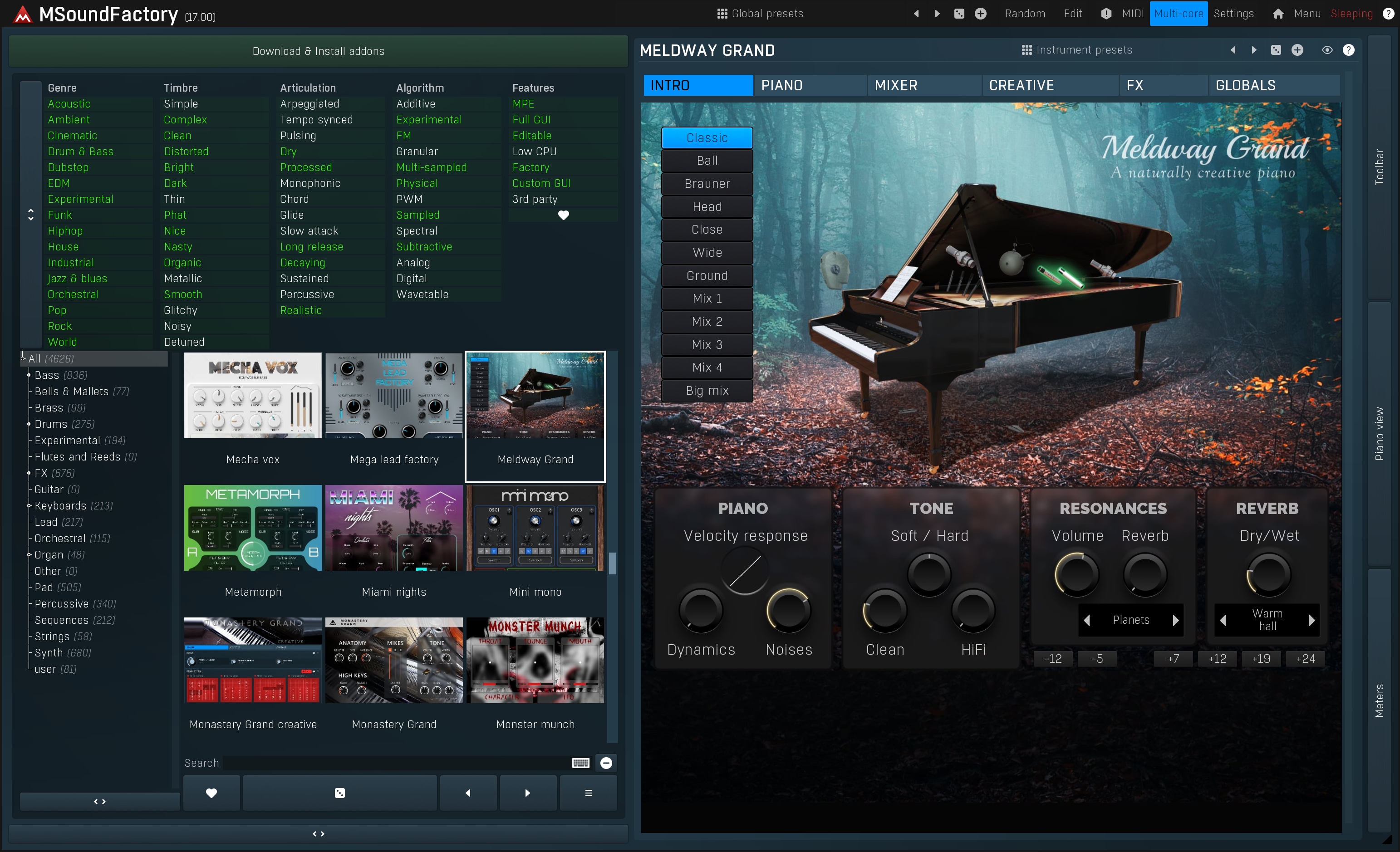
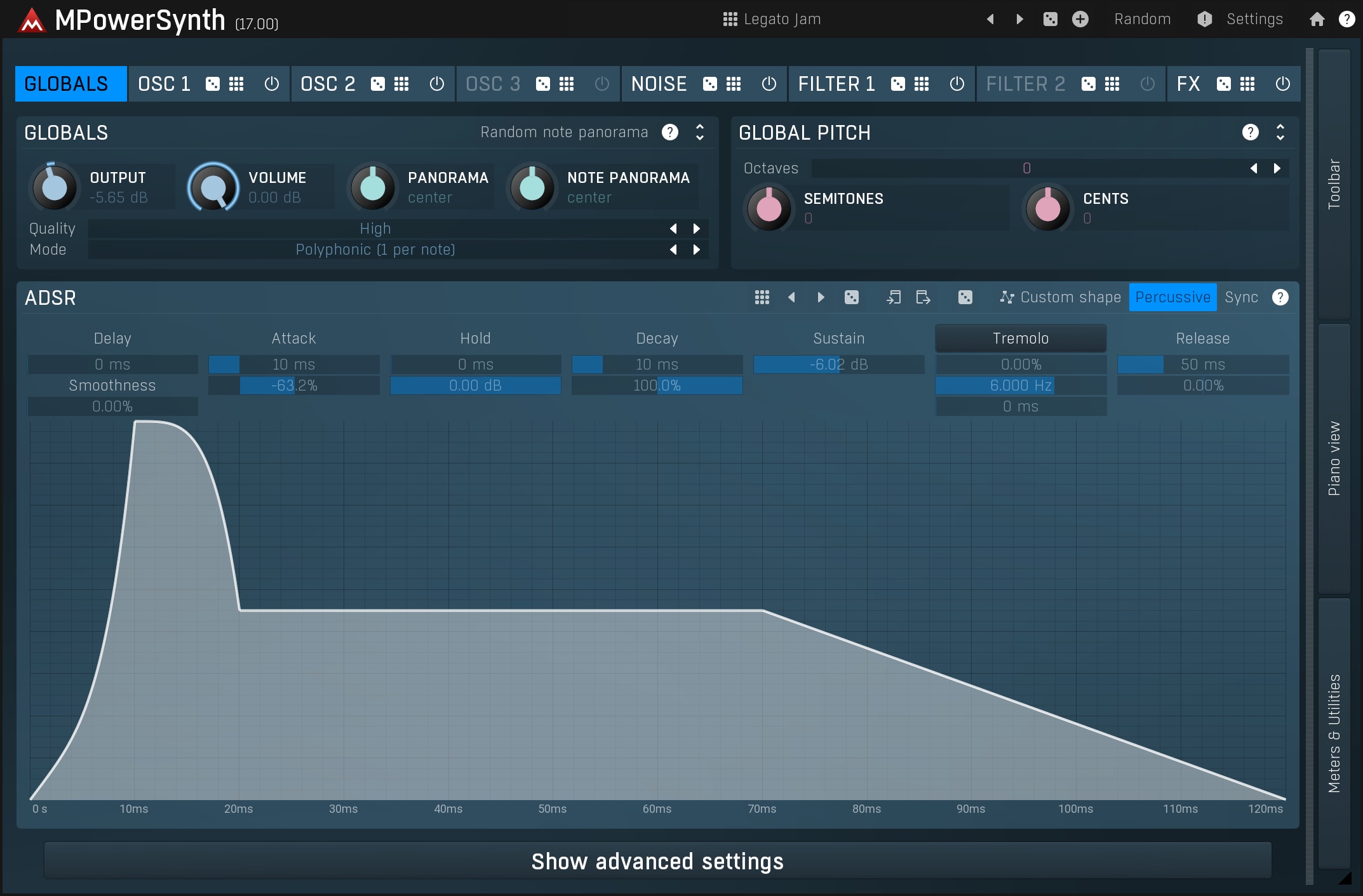
Note: This feature is located at the right corner of 2 synths
Sorry if I have made the future feature list more longer than it should be, and also sorry if my writing is bad.

February 5, 2020 9:05 pm
I will consider this, but as there are several A/B comparison plug-ins already on the market, I don't see a reason to assign it a high priority.
Note you can do this by loading instances of the Unify plug-in into Unify on separate layers:
- Load instances of Unify on as many instrument layers as you like
- Load patches you want to compare into the different instances.
- Solo Layer 1
- Hold down Ctrl and click the Solo button on any other layer to switch to soloing that layer alone
- Repeat step 4 as necessary
Am I missing something? Is there anything wrong or limiting with doing it this way?
-shane
mj_prod and rikelliott reacted